Best Multiplayer Browser Games to Play With Friends Online (No Download Needed)
Getting a group of friends into the same game used to mean convincing everyone to download the same client, create accounts, and troubleshoot compatibility issues for half an hour before anyone actually played. Browser-based multiplayer games changed that entirely. Open a link, share a room code, and you're in — no installation, no setup, no waiting.
Why Browser Games Are Perfect for Playing With Friends
Browser games remove every barrier between "want to play" and actually playing. They run directly in Chrome, Firefox, Safari, or Edge — no plugins, no downloads, no compatibility headaches.
The real advantage is cross-platform play. One friend on a Windows desktop, another on a MacBook, someone else on their phone — everyone joins the same session through a shared link or room code. HTML5 and WebGL technology now powers games that look and feel genuinely polished, not like Flash-era relics.
For casual gaming with a group, the friction-free entry is everything. When someone says "let's play something," you want to be playing within 60 seconds, not troubleshooting installs. Browser games deliver exactly that.
Best Multiplayer Browser Games for Quick Party Fun
Party-style browser games are built for groups who want laughs over leaderboards — easy rules, fast rounds, and enough chaos to keep everyone engaged.
Skribbl.io
Skribbl.io is a free-to-play drawing and guessing game that works beautifully with groups of 2–12 players. One person draws a word, everyone else races to guess it in the chat. Custom word lists let you tailor rounds to inside jokes or specific themes, which makes it surprisingly replayable. No account required — just create a private room and share the link.
Jackbox Party Games (Browser-Accessible)
Several Jackbox titles stream through a browser via platforms like Steam Remote Play Together or direct browser access on supported devices. Games like Quiplash and Fibbage use players' phones as controllers, so the host streams the game while everyone else joins at Jackbox.tv. It's one of the smoothest real-time multiplayer setups for larger groups.
Gartic Phone
Gartic Phone combines the telephone game with drawing — players write a phrase, the next person draws it, the next person describes that drawing, and so on. The results are reliably absurd. It's free, requires no account, and handles groups up to 30 players, making it one of the better options for bigger friend circles or team events.
Kahoot!
Trivia fans already know Kahoot! — it runs entirely in the browser and supports hundreds of players simultaneously. One person hosts, everyone else joins with a game PIN. The competitive timer adds genuine tension even to low-stakes trivia nights.
Top Competitive Multiplayer Browser Games
Competitive browser games reward skill, strategy, or quick reflexes — ideal for groups who want bragging rights alongside the fun.
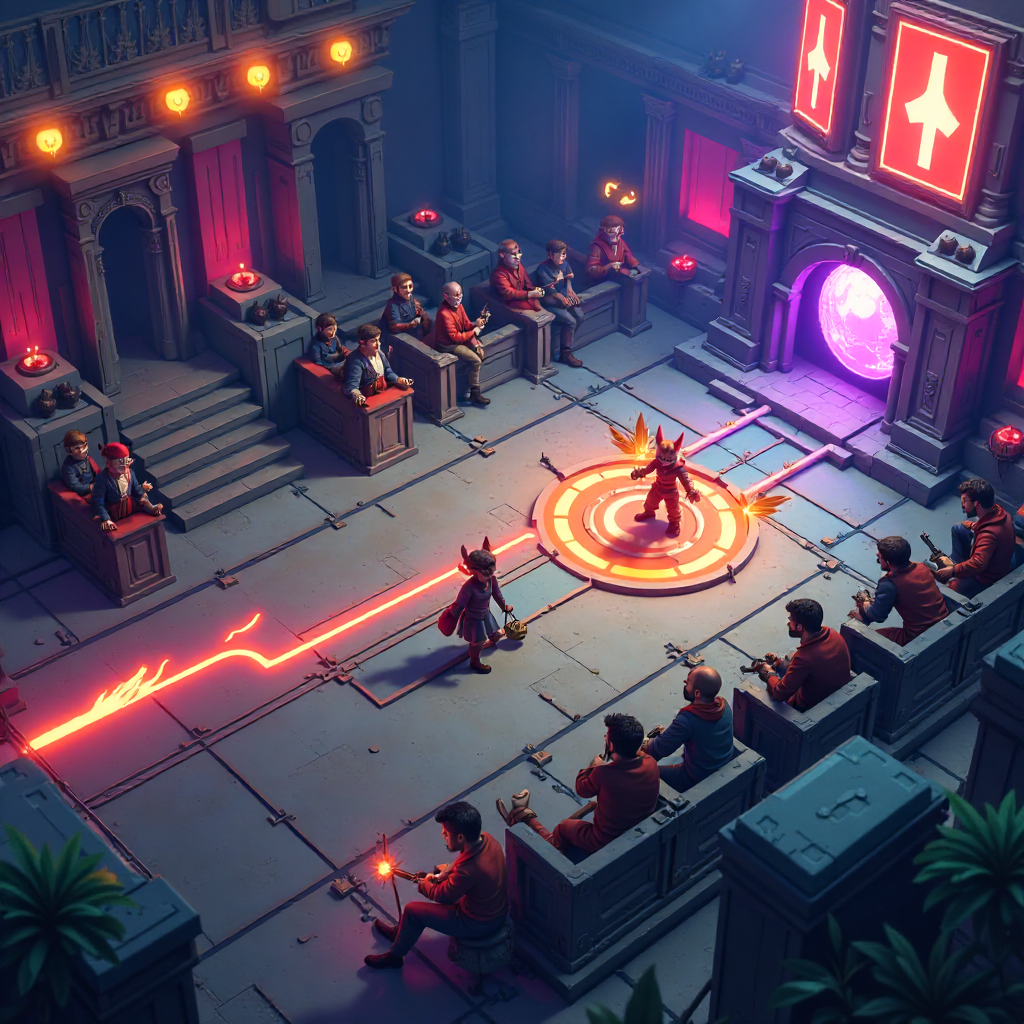
Slither.io
Slither.io is a real-time multiplayer snake game where you grow by consuming glowing orbs and try to outlast other players in an open arena. It's immediately intuitive but develops genuine strategy at higher sizes. The browser version runs smoothly on most devices with no account needed.
Krunker.io
Krunker.io is a first-person shooter that runs entirely in the browser using WebGL. It's fast, surprisingly responsive, and has an active player base. Private lobbies let friend groups compete without randoms joining. The skill ceiling is real — movement mechanics reward practice — but new players can still have fun immediately.
Wordle (Multiplayer Variants)
Several browser-based Wordle variants like Squabble add a competitive real-time layer to the classic word-guessing format. Players race through the same puzzle simultaneously, with health points dropping for wrong guesses. It's low-pressure enough for casual players but competitive enough to spark genuine rivalry.
Chess.com / Lichess
For groups who enjoy strategy, both Chess.com and Lichess offer free browser-based play with friend challenge links. Lichess is fully open-source and free with no ads — worth bookmarking for any group that enjoys a slower, more cerebral session.
Chill and Cooperative Browser Games to Enjoy Together
Not every session needs a winner. Cooperative and low-pressure browser games are perfect when the goal is spending time together rather than competing.
Codenames Online
The digital version of the board game Codenames runs free in any browser at codenames.game. Two teams take turns giving one-word clues to help teammates identify secret words on a grid. It's collaborative within teams, thoughtful rather than frantic, and works well with 4–8 players. A single room link gets everyone in within seconds.
Sketchful.io
Similar to Skribbl but with more customization options, Sketchful.io leans into the cooperative guessing dynamic rather than pure competition. Custom lobbies, adjustable round timers, and themed word packs make it adaptable to the group's mood.
GeoGuessr (Free Tier)
GeoGuessr drops players into a random Google Street View location and challenges them to guess where in the world they are. The free browser tier includes multiplayer modes where friends compete or collaborate to identify locations. It's genuinely educational, occasionally humbling, and produces great conversation.
How to Start Playing Browser Games With Friends Instantly
Getting everyone into a session takes less than two minutes when you know the steps. Here's the standard flow for most browser-based multiplayer games:
- One person opens the game in their browser and creates a private room or lobby.
- The game generates a room code or shareable link — copy it immediately.
- Paste the link into your group chat (Discord, WhatsApp, iMessage — anywhere everyone is already active).
- Friends click the link, enter their name if prompted, and join. No account creation required for most free-to-play browser games.
- The host sets game options (round length, player limits, custom words) and starts when everyone's in.
The "just share a link" model works because HTML5 games run in any modern browser without plugins. If someone has trouble joining, the most common fix is switching to Chrome or Firefox — older browsers occasionally struggle with WebGL-heavy games.
Tips for the Best Online Multiplayer Browser Game Experience
A few small adjustments make a noticeable difference in how smooth and fun a session feels.
- Use a voice app alongside the game. Discord, Zoom, or even a phone call adds the social layer that text chat can't fully replace. Hearing reactions in real time is half the fun of party games.
- Match the game to your group size. Games like Gartic Phone scale well to 10+ players; head-to-head games like Chess work best 1-on-1 or in small brackets. Picking the wrong format for your group size kills momentum fast.
- Stable connection matters more than speed. Real-time multiplayer browser games are sensitive to latency spikes. A wired connection or strong Wi-Fi signal helps, but closing background tabs and streaming services makes a bigger difference than most people expect.
- Start with one round of a familiar game before introducing something new. Mixing a known game with an unfamiliar one keeps the energy up while the group learns new rules.
- Keep private lobbies private. Most games default to public rooms. Always create a private lobby with a room code when playing with friends — public rooms fill with strangers quickly and change the dynamic entirely.
Frequently Asked Questions
Do multiplayer browser games require an account or sign-up?
Most casual browser games — Skribbl.io, Gartic Phone, Slither.io — let you jump in with just a username, no account needed. Some games like Chess.com offer richer features with a free account, but account creation is rarely required to start a session with friends.
Can you play browser games with friends on mobile and desktop at the same time?
Yes. Cross-platform play is one of the core strengths of HTML5 browser games. Mobile players and desktop players join the same room through the same link, and the experience is functionally identical across devices.
Are these browser games free to play?
The games listed here are free to access in their core form. Some, like GeoGuessr, offer expanded features through a paid tier, but the free version is fully functional for group sessions. None require a purchase to start playing with friends.
How many players can join most browser-based multiplayer games?
It varies by game. Skribbl.io and Krunker.io handle up to 12–15 players per room comfortably. Gartic Phone supports up to 30. Kahoot! scales to hundreds. For intimate sessions, most games work best with 4–8 players.
What is the best browser to use for online multiplayer games?
Chrome and Firefox handle WebGL and HTML5 games most reliably. Edge performs well too. Safari on older iOS versions occasionally struggles with WebGL-heavy titles, so if someone's having trouble on an iPhone or iPad, switching browsers usually resolves it.